




TABLE OF CONTENTS
Kubernetes Cost Optimization: Reducing Cloud Spend by 60% Without Sacrificing Performance


Kubernetes has become the de facto standard for container orchestration in 2026. But for many organizations, the operational benefits come with an unexpected cost: cloud bills 2-3x higher than pre-Kubernetes deployments.
The paradox is real. Companies adopt Kubernetes to improve efficiency and reduce costs through better resource utilization. Instead, they see spending increase 50-200% within six months of production deployment. Not because Kubernetes is expensive, but because default configurations waste resources at scale.
For DevOps engineers, platform teams, and engineering managers responsible for infrastructure costs, Kubernetes optimization isn’t optional anymore. When cloud spending represents 20-40% of engineering budgets, reducing Kubernetes costs by 40-60% can fund entire engineering teams or product initiatives.
At Askan Technologies, we’ve optimized Kubernetes deployments for 30+ enterprise clients over the past 24 months, managing clusters running 500 to 50,000 pods across AWS, Azure, and Google Cloud for organizations in US, UK, Australia, and Canada.
The results are consistent: properly optimized Kubernetes clusters cost 50-65% less than default configurations while maintaining or improving performance and reliability. The optimization patterns are repeatable, measurable, and deliver ROI within 30-60 days.
Why Kubernetes Costs Spiral Out of Control
Before exploring optimization strategies, let’s understand why Kubernetes deployments become expensive.
Problem 1: Over-Provisioning by Default
Kubernetes separates resource requests (guaranteed resources) from limits (maximum allowed resources). Most teams over-provision both out of fear of performance issues.
Typical pattern:
- Developer estimates application needs 512MB RAM
- Adds 100% safety buffer: requests 1024MB
- DevOps adds another buffer for peaks: sets limit at 2048MB
- Application actually uses 300MB average, 450MB peak
Result: Paying for 1024MB guaranteed (request) but using 300MB (70% waste).
At scale:
- 1,000 pods × 700MB waste per pod = 700GB wasted RAM
- On AWS: 700GB = ~22 m5.2xlarge instances = $6,100/month wasted
- Annual waste: $73,200 for this single application
Multiply across 50 applications: $3.6M annual waste from over-provisioning.
Problem 2: Cluster Overhead Goes Unnoticed
Kubernetes itself consumes resources: control plane, system pods, monitoring, logging.
Typical cluster overhead:
- 3 control plane nodes (etcd, API server, scheduler): $500-$1,500/month
- System pods (CNI, CSI, monitoring agents): 5-15% of total capacity
- DaemonSets (one pod per node): multiply cost by node count
Example cluster:
- 20 worker nodes
- DaemonSet consumes 200MB per node = 4GB total
- 4GB × $50/GB monthly = $200/month just for one DaemonSet
- 5 DaemonSets = $1,000/month in overhead
For small clusters (under 50 pods), overhead can exceed application costs.
Problem 3: Autoscaling Configured Incorrectly
Horizontal Pod Autoscaler (HPA) and Cluster Autoscaler are powerful but often misconfigured.
Common mistakes:
HPA too aggressive:
- Scales up at 50% CPU (too early)
- Scales from 3 pods to 30 pods during temporary spike
- Traffic drops, but pods stay scaled for 10 minutes (cooldown)
- Paying for 30 pods when 3 sufficient
Cluster Autoscaler too slow:
- Takes 5-10 minutes to provision new nodes
- Pods pending during scale-up
- Application performance degrades during growth
HPA too conservative:
- Scales up only at 90% CPU (too late)
- Users experience slowdowns before scaling kicks in
Problem 4: No Resource Limits
Pods without resource limits can consume unlimited CPU/memory, causing noisy neighbor problems.
Scenario:
- Pod without memory limit has memory leak
- Consumes 32GB RAM over hours
- Starves other pods on same node
- Kubernetes evicts lower-priority pods
- Those pods reschedule on other nodes
- Cascading failures
Cost impact: Emergency scaling to handle cascading failures can 3-5x costs temporarily.
Problem 5: No Cost Visibility
Most teams don’t know which applications cost how much.
Typical situation:
- Finance: “Kubernetes costs $150K/month”
- Engineering: “Which applications?”
- Finance: “We don’t know, it’s all on shared infrastructure”
- Engineering: “Then we don’t know what to optimize”
Without cost visibility, optimization is guesswork.
The Cost Optimization Framework
Systematic approach to reducing Kubernetes costs while maintaining performance.
Phase 1: Establish Cost Visibility (Week 1)
You can’t optimize what you don’t measure.
Install cost monitoring tools:
Option 1: Kubecost (recommended for most teams)
- Free tier: cluster cost breakdown by namespace, deployment, pod
- Paid tier: multi-cluster, rightsizing recommendations, alerts
- Installation: 10 minutes with Helm chart
Option 2: OpenCost (open-source alternative)
- Free, CNCF project
- Basic cost allocation and monitoring
- Requires more setup than Kubecost
Option 3: Cloud provider native tools
- AWS Cost Explorer with Container Insights
- Azure Cost Management for AKS
- Google Cloud Cost Management for GKE
What to track:
- Cost per namespace
- Cost per deployment
- Cost per team (using labels)
- CPU and memory utilization rates
- Idle resource costs (provisioned but unused)
Typical findings after first week:
- 40-60% of resources idle (provisioned but unused)
- 20% of applications consume 80% of costs (Pareto principle applies)
- 10-15% waste from unnecessary DaemonSets or monitoring overhead
Phase 2: Right-Size Resource Requests (Weeks 2-3)
Adjust CPU and memory requests to match actual usage.
Process:
Step 1: Gather usage data (7-14 days)
- Monitor actual CPU/memory consumption
- Capture peak usage patterns
- Include weekend and weekday patterns
Step 2: Calculate optimal requests
- Set request = 90th percentile usage + 20% buffer
- Example: P90 memory = 450MB, request = 540MB (was 1024MB)
- Savings: 47% reduction in memory request
Step 3: Apply changes gradually
- Start with non-critical applications (development, staging)
- Monitor performance for 48 hours
- Roll out to 10% of production traffic
- Expand to 100% if stable
Step 4: Set appropriate limits
- Memory limit = 2x request (allows temporary spikes)
- CPU limit = unlimited for most apps (CPU throttling causes cascading issues)
- Exception: Set CPU limits for batch jobs (prevent monopolizing nodes)
Typical savings from right-sizing: 30-45% reduction in cluster costs
Phase 3: Implement Vertical Pod Autoscaler (Week 4)
VPA automatically adjusts resource requests based on actual usage.
How VPA works:
- Monitors pod resource consumption over time
- Recommends optimal CPU/memory requests
- Can automatically update requests (with pod restart)
- Prevents drift (requests stay aligned with actual usage)
VPA modes:
Off mode (recommendation only):
- VPA analyzes usage, provides recommendations
- Manual decision to apply changes
- Safest for production
Initial mode:
- VPA sets requests on pod creation
- No changes to running pods
- Good for stateless applications
Auto mode:
- VPA updates requests automatically
- Restarts pods with new values
- Requires pod disruption budget to prevent downtime
Best practice: Start with Off mode for 2 weeks, review recommendations, switch to Initial mode for non-critical apps.
Typical VPA impact: Additional 10-15% cost reduction after manual right-sizing
Phase 4: Optimize Node Types and Sizes (Week 5)
Match node instance types to workload characteristics.
Common waste patterns:
Pattern 1: Using general-purpose instances for everything
- Running memory-intensive workload on balanced instance
- Paying for unnecessary CPU capacity
Solution: Use memory-optimized instances (r5, r6i on AWS) for memory-heavy apps, compute-optimized (c5, c6i) for CPU-intensive.
Savings: 20-30% for workload-appropriate instances
Pattern 2: Too many small nodes
- 50 nodes × 2 vCPU = 100 vCPU total
- Kubernetes system overhead: 0.1 vCPU per node × 50 = 5 vCPU wasted
- Overhead: 5% of capacity
Better: 15 nodes × 8 vCPU = 120 vCPU total
- System overhead: 0.1 × 15 = 1.5 vCPU wasted
- Overhead: 1.25% of capacity
Savings: Larger nodes reduce overhead percentage, improved resource packing
Pattern 3: All on-demand instances
- Paying full price for predictable workloads
- Spot instances offer 60-90% discount
Solution: Mixed node groups
- 40% on-demand (critical workloads, guaranteed capacity)
- 60% spot instances (tolerant workloads, massive savings)
Typical savings from node optimization: 25-35% reduction
Phase 5: Implement Intelligent Autoscaling (Week 6)
Configure HPA and Cluster Autoscaler for optimal cost and performance.
Horizontal Pod Autoscaler best practices:
CPU-based scaling:
- Target: 70-80% CPU utilization (not 50%)
- Scale-up: aggressive (add pods quickly when needed)
- Scale-down: conservative (wait 5 minutes before removing pods)
Memory-based scaling:
- More complex (memory usage doesn’t decrease when load drops)
- Combine with CPU or request-rate metrics
Custom metrics scaling (KEDA):
- Scale based on queue length (SQS, Kafka, RabbitMQ)
- Scale based on HTTP requests per second
- More accurate than CPU/memory for many workloads
Cluster Autoscaler tuning:
Scale-up: Fast provisioning needed
- Set expander to prioritize spot instances first
- Use pending pod timeout: 60 seconds
- Parallel scale-up for multiple node groups
Scale-down: Prevent thrashing
- Delay after scale-up: 10 minutes
- Delay after delete: 5 minutes
- Unneeded time: 10 minutes (node must be underutilized for 10 min before removal)
Typical savings from optimized autoscaling: 15-25% by scaling down aggressively during low traffic
Real Implementation: Enterprise SaaS Platform
Company Profile
Industry: Project management SaaS
Scale: 150 microservices, 5,000 pods average (8,000 peak)
Infrastructure: AWS EKS, 80 nodes (m5.2xlarge)
Monthly cost before optimization: $124,000
Problems identified:
- No cost visibility (couldn’t attribute costs to teams)
- Resource requests 2-3x actual usage (massive over-provisioning)
- All on-demand instances (no spot usage)
- Poorly configured autoscaling (slow to scale up, slow to scale down)
- Cluster overhead 18% (inefficient node sizes)
Optimization Implementation (8 Weeks)
Week 1: Install Kubecost
- Deployed Kubecost free tier
- Integrated with AWS Cost and Usage Reports
- Immediate findings: 58% idle resources, top 5 services consuming 72% of costs
Week 2-3: Right-sizing campaign
- Analyzed usage data for all 150 services
- Identified over-provisioned applications (95 of 150)
- Reduced requests by 35-50% for over-provisioned apps
- Applied changes gradually (10 services per day)
Results: Cluster resource utilization improved from 42% to 68%
Week 4: Deploy Vertical Pod Autoscaler
- Installed VPA in recommendation mode
- Monitored suggestions for 1 week
- Applied VPA to 60 non-critical services
Results: Additional 12% request reduction for VPA-managed services
Week 5: Node optimization
- Analyzed workload characteristics
- Created 3 node groups: general (m5.2xlarge), memory-optimized (r5.2xlarge), spot (mixed)
- Migrated memory-heavy services to r5 nodes
- Moved 60% of tolerant workloads to spot instances
Results: 28% node cost reduction through rightsizing and spot usage
Week 6: Autoscaling tuning
- Increased HPA CPU target from 50% to 75%
- Configured aggressive scale-down (5-minute idle before removal)
- Tuned Cluster Autoscaler delays
- Implemented KEDA for queue-based services (10 services)
Results: 22% reduction in pod-hours through better scaling behavior
Week 7-8: Cleanup and monitoring
- Removed 8 unnecessary DaemonSets
- Consolidated monitoring stacks (3 separate agents to 1)
- Set up cost alerts (notify when namespace exceeds budget)
- Trained teams on cost-aware development
Results After 8 Weeks
Cost reduction:
| Category | Before | After | Savings |
| Compute (nodes) | $98,000 | $42,000 | 57% |
| System overhead | $18,000 | $7,000 | 61% |
| Data transfer | $6,000 | $5,500 | 8% |
| Load balancers | $2,000 | $1,500 | 25% |
| Total | $124,000 | $56,000 | 55% |
Annual savings: $816,000 (from $1.49M to $672K)
Performance impact:
- P95 latency: Unchanged (142ms before, 139ms after)
- Error rate: Improved 0.12% to 0.08% (better autoscaling prevented overload)
- Deployment frequency: Increased 15% (faster dev cycles with lower costs)
Operational improvements:
- Cost visibility: Every team now sees their monthly spend
- Accountability: Teams own optimization for their services
- Faster decisions: “Should we scale this?” answered with cost data
Return on investment:
- Optimization effort: 320 engineer hours × $150/hour = $48,000
- Monthly savings: $68,000
- Payback period: 22 days
Advanced Optimization Strategies
Strategy 1: Bin Packing Optimization
Kubernetes scheduler places pods on nodes. Poor packing wastes capacity.
Problem: Fragmentation
- Node has 8GB RAM available
- Pods request 3GB each
- Only 2 pods fit (6GB used, 2GB wasted)
- 25% waste per node
Solution: Diverse pod sizes
- Mix large (3GB), medium (1.5GB), small (500MB) pods
- Better packing: 2 large + 2 medium + 1 small = 7.5GB used
- Waste reduced to 6%
Tools:
- Descheduler: Moves pods to improve packing
- Pod priority classes: High-priority pods pack first
Typical improvement: 10-15% better node utilization
Strategy 2: Spot Instance Best Practices
Spot instances offer 60-90% savings but can be interrupted.
Architecture for spot tolerance:
Separate node groups:
- Critical services: On-demand nodes (guaranteed capacity)
- Stateless services: Spot nodes (tolerate interruption)
- Batch jobs: 100% spot (interruption acceptable)
Handle interruptions gracefully:
- Spot instance termination notice: 2 minutes warning
- Graceful shutdown: Application drains connections in 90 seconds
- Pod Disruption Budget: Ensures minimum replicas during interruptions
Multi-instance type spot pools:
- Request 5 instance types (m5.2xlarge, m5a.2xlarge, m4.2xlarge, etc.)
- Diversifies interruption risk
- If one type unavailable, others probably available
Typical savings with spot: 40-60% reduction for spot-tolerant workloads
Strategy 3: Reserved Instances for Baseline Capacity
Spot for variable load, reserved for baseline.
Architecture:
- Minimum capacity (30% of nodes): Reserved Instances (1-year, 40% discount)
- Baseline capacity (30% of nodes): On-demand (flexibility)
- Burst capacity (40% of nodes): Spot instances (60-90% discount)
Example cluster:
- 30 baseline nodes: Reserved @ $0.23/hour = $5,000/month
- 30 standard nodes: On-demand @ $0.38/hour = $8,300/month
- 40 burst nodes: Spot @ $0.08/hour = $2,300/month
- Total: $15,600/month (vs $26,800 all on-demand, 42% savings)
Strategy 4: Namespace Resource Quotas
Prevent teams from over-consuming resources.
Without quotas:
- Team deploys 100 pods during load test
- Forgets to scale down
- Wastes $2,000/month for weeks
With quotas:
- Namespace limited to 50 pods, 200 CPU cores, 400GB RAM
- Deployment fails if quota exceeded
- Forces teams to request quota increases (requires justification)
Implementation:
- Set quotas per team/namespace
- Monitor quota utilization
- Adjust based on legitimate needs
Typical prevention of waste: 15-25% by stopping unbounded growth
Strategy 5: Cluster Consolidation
Multiple small clusters cost more than fewer large clusters.
Problem: Cluster sprawl
- 10 clusters × 3 control plane nodes × $50/node = $1,500/month just for control planes
- Each cluster runs duplicate system services
- Inefficient resource usage (small clusters pack poorly)
Solution: Consolidate to 3-5 large clusters
- 3 clusters × 3 control plane nodes × $50 = $450/month
- Shared system services
- Better packing efficiency
When NOT to consolidate:
- Regulatory isolation required (PCI workloads separate)
- Different security zones (public vs internal)
- Multi-region (each region gets cluster)
Typical savings: 30-50% for organizations with 10+ small clusters
Common Optimization Mistakes
Mistake 1: Optimizing Too Aggressively
Problem: Reducing requests to exact average usage
- Average usage: 300MB
- Set request to 320MB (average + 5%)
- Traffic spike causes 450MB usage
- Pods evicted for exceeding memory
- Service disruption
Solution: Right-size to P90-P95 usage + 20-30% buffer
Mistake 2: Ignoring Network Costs
Problem: Cross-AZ traffic charges
- Microservices in different availability zones
- Heavy inter-service communication
- Data transfer charges add up
Solution: Pod topology spread to colocate related services in same AZ when possible
Typical savings: 5-15% reduction in data transfer costs
Mistake 3: Not Setting Pod Disruption Budgets
Problem: Aggressive cost optimization causes outages
- Cluster Autoscaler removes nodes quickly
- All pods from node evicted simultaneously
- Service briefly unavailable
Solution: Pod Disruption Budget (PDB)
- Ensure minimum replicas during voluntary disruptions
- Prevents removing last replica
Mistake 4: Optimizing Without Monitoring
Problem: Reduce costs, don’t notice performance degradation
- Latency increases 30% but no one notices for weeks
- Customer complaints accumulate
Solution: Pair cost optimization with performance monitoring (SLOs, error budgets)
Cost Optimization Checklist
Quick Wins (Implement This Week)
- Install cost monitoring tool (Kubecost or OpenCost)
- Identify top 10 most expensive applications
- Right-size obvious over-provisioned apps (requests 5x+ actual usage)
- Remove unused resources (old deployments, abandoned namespaces)
Expected savings: 15-25%
Medium-Term Improvements (Next Month)
- Deploy Vertical Pod Autoscaler
- Implement spot instances for 40-60% of workloads
- Tune HPA and Cluster Autoscaler settings
- Set namespace resource quotas
- Consolidate unnecessary clusters
Expected additional savings: 20-30%
Long-Term Strategy (Next Quarter)
- Implement bin packing optimization
- Purchase reserved instances for baseline capacity
- Build cost awareness into team culture
- Establish FinOps practices (cost reviews, budgets, accountability)
- Automate right-sizing based on historical trends
Expected additional savings: 10-15%
Total potential savings: 45-70% from baseline
Key Takeaways
- Default Kubernetes configurations waste 50-65% of resources through over-provisioning and poor autoscaling
- Cost visibility is prerequisite for optimization use Kubecost, OpenCost, or cloud-native tools
- Right-sizing resource requests delivers 30-45% savings align requests with P90 usage + buffer
- Spot instances reduce costs 60-90% for stateless and batch workloads with proper architecture
- VPA automates ongoing right-sizing preventing drift as usage patterns change
- Node optimization saves 25-35% through appropriate instance types and bin packing
- Optimization without performance monitoring is dangerous pair cost reduction with SLO tracking
- ROI typically positive in 30-60 days optimization effort pays back within 2 months
How Askan Technologies Optimizes Kubernetes Costs
We’ve reduced Kubernetes costs by 50-65% for 30+ enterprise clients while maintaining or improving performance and reliability.
Our Kubernetes Cost Optimization Services:
- Cost Assessment: Comprehensive analysis of current spending and waste patterns
- Right-Sizing Implementation: Adjust resource requests/limits based on actual usage data
- Autoscaling Optimization: Configure HPA, VPA, and Cluster Autoscaler for cost efficiency
- Spot Instance Strategy: Design fault-tolerant architecture leveraging 60-90% discounts
- FinOps Implementation: Establish cost visibility, accountability, and governance
- Ongoing Optimization: Quarterly reviews ensuring costs stay optimized as workloads evolve
Recent Kubernetes Optimizations:
- SaaS platform: $124K to $56K monthly (55% reduction), 22-day payback
- E-commerce application: 62% cost reduction while improving P95 latency 18%
- Data processing pipeline: 71% savings using spot instances for batch workloads
We deliver Kubernetes optimization with our 98% on-time delivery rate and guaranteed minimum savings targets.
Final Thoughts
Kubernetes costs spiraling out of control is not a Kubernetes problem. It’s a configuration and monitoring problem. Default settings optimize for simplicity and safety, not cost efficiency.
The 50-65% cost reduction achievable through optimization isn’t theoretical. It’s the difference between paying for what you provision versus paying for what you actually use. It’s the difference between all on-demand instances versus intelligent spot usage. It’s the difference between guessing resource needs versus measuring and adjusting.
Organizations that optimize Kubernetes costs systematically see 45-70% reductions within 8-12 weeks. Those that don’t watch costs grow 15-25% quarterly as workloads expand on inefficient foundations.
Start with visibility. You can’t optimize what you don’t measure. Install Kubecost or OpenCost this week. Identify your most expensive applications next week. Right-size the obvious waste the week after.
Every week you delay optimization costs money. A $100K monthly Kubernetes bill with 50% waste is throwing away $600,000 annually. That’s engineering headcount, product features, or company profit being spent on idle resources.
Kubernetes promised efficiency. Deliver on that promise through systematic cost optimization. The tools exist. The patterns are proven. The ROI is undeniable.
Optimize costs while maintaining performance. That’s how engineering teams demonstrate business value in 2026.
Most popular pages
-
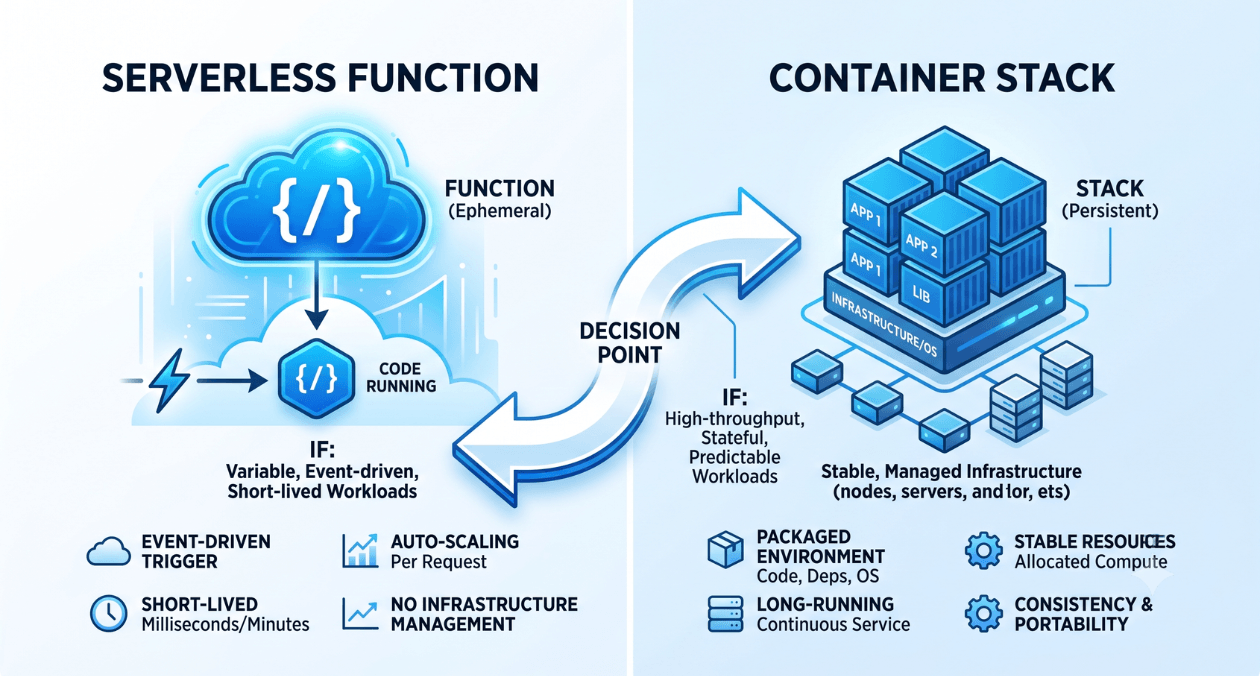
Serverless vs Containers: Choosing the Right Compute Model for Your Workload
Every engineering team building on the cloud eventually runs into this question: should this workload run on serverless functions or inside containers. The answer...
-

Postgres vs MySQL in 2026: Which Fits Modern Application Workloads Better
Every couple of years the Postgres versus MySQL debate resurfaces, and 2026 is no different. Teams building new applications still ask the same question...
-
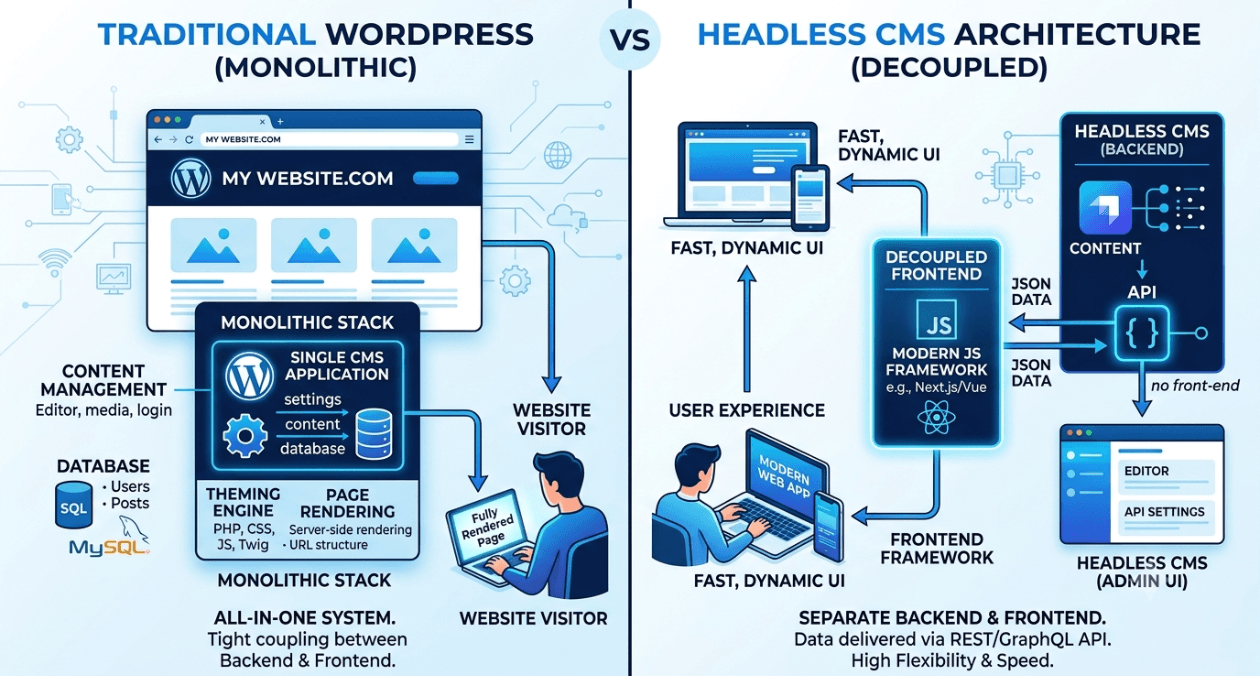
WordPress vs Headless WordPress: When Decoupling Actually Makes Sense
WordPress still runs a massive share of the web, and for good reason. It is fast to launch, familiar to content teams, and backed...
Serverless vs Containers: Choosing the Right Compute Model for Your Workload
Every engineering team building on the cloud eventually runs into this question: should this workload run on serverless functions or inside containers. The answer...
Postgres vs MySQL in 2026: Which Fits Modern Application Workloads Better
Every couple of years the Postgres versus MySQL debate resurfaces, and 2026 is no different. Teams building new applications still ask the same question...
WordPress vs Headless WordPress: When Decoupling Actually Makes Sense
WordPress still runs a massive share of the web, and for good reason. It is fast to launch, familiar to content teams, and backed...