




TABLE OF CONTENTS
Supabase vs Firebase vs Appwrite: The 2026 Guide for Enterprise BaaS Selection


Backend development has historically consumed 60-70% of application development time and cost. Every app needs the same foundational infrastructure: authentication, database, file storage, real-time updates, and APIs.
For years, teams had two choices: build this infrastructure from scratch (expensive, time-consuming) or use Firebase (Google’s Backend-as-a-Service platform that dominated the market but came with vendor lock-in concerns and limited flexibility).
In 2026, the landscape has fundamentally changed. Supabase and Appwrite have emerged as powerful alternatives, offering open-source architectures, SQL databases, and self-hosting options that Firebase cannot match.
At Askan Technologies, we’ve implemented all three platforms across 35+ enterprise projects over the past 24 months. These aren’t side projects or prototypes. We’re building production systems for fintech platforms, healthcare applications, SaaS products, and eCommerce systems serving users across US, UK, Australia, and Canada.
The results reveal clear patterns: Firebase remains powerful for specific use cases, but Supabase has become the default choice for teams wanting flexibility, while Appwrite serves niche requirements where full control matters most.
This guide reveals which platform fits your enterprise requirements based on real implementation data, not marketing promises.
The Enterprise BaaS Requirements
Before comparing platforms, let’s establish what enterprise applications actually need from a backend service.
Non-Negotiable Requirements
- Authentication and Authorization
- Email/password authentication
- Social login (Google, GitHub, Apple)
- Enterprise SSO (SAML, OAuth)
- Role-based access control (RBAC)
- Row-level security (data access per user)
- Database
- Structured data storage
- Real-time subscriptions
- Complex queries (joins, aggregations)
- Full-text search
- Horizontal scalability
- File Storage
- Image uploads
- Document storage
- Video hosting
- CDN delivery
- Access control per file
- APIs
- Auto-generated REST APIs
- GraphQL support
- Serverless functions (custom business logic)
- Webhook integrations
- Real-Time Features
- Live data updates
- Presence (who’s online)
- Collaborative features (multiplayer editing)
- Enterprise Concerns
- Data residency (EU, US, specific regions)
- Compliance (SOC 2, HIPAA, GDPR)
- Self-hosting option (no vendor lock-in)
- Transparent pricing
- Migration path (exit strategy)
Firebase: The Google-Backed Incumbent
Firebase launched in 2011, acquired by Google in 2014, and became the dominant BaaS platform with 3M+ applications built on it.
Core Strengths
- Mature, Battle-Tested Infrastructure
Firebase powers apps with hundreds of millions of users. The platform handles massive scale without special configuration.
Proven at scale:
- Duolingo (500M+ users)
- Lyft (driver/rider matching)
- The New York Times (content delivery)
- Todoist (real-time sync)
- Comprehensive Feature Set
Firebase isn’t just a database. It’s a complete app platform:
Core services:
- Firestore (NoSQL database)
- Authentication (email, social, phone)
- Cloud Storage (files, images, videos)
- Cloud Functions (serverless compute)
- Hosting (static site hosting)
Additional services:
- Analytics (user behavior tracking)
- Crashlytics (error reporting)
- Performance Monitoring
- Remote Config (feature flags)
- A/B Testing
- Cloud Messaging (push notifications)
- ML Kit (on-device machine learning)
- Exceptional Mobile SDK
Firebase’s mobile libraries (iOS, Android, Flutter) are best-in-class. Real-time data sync, offline persistence, and automatic retry logic work seamlessly.
Developer experience for mobile:
- FlutterFire: Official Flutter plugins
- Firebase SDK for iOS: Swift/Objective-C
- Firebase SDK for Android: Kotlin/Java
- React Native Firebase: Community-maintained
Firestore: The NoSQL Database
Firebase’s primary database is Firestore (document-based NoSQL):
Data structure:
collections/
users/
userId123/
– email: “user@example.com”
– name: “John Doe”
– createdAt: timestamp
posts/
postId456/
– title: “My Post”
– authorId: “userId123”
– content: “…”
Strengths:
- Automatic scaling (no manual sharding)
- Real-time listeners (data updates instantly)
- Offline support (local cache, sync when online)
- Simple queries (filter, sort, limit)
Limitations:
- No joins (must denormalize data or make multiple queries)
- Limited aggregations (no GROUP BY, SUM, AVG)
- Expensive for high read volumes (charged per document read)
- Query limitations (can’t do OR queries across fields easily)
Pricing Structure
Firebase uses consumption-based pricing:
Firestore costs:
- Document reads: $0.06 per 100K
- Document writes: $0.18 per 100K
- Document deletes: $0.02 per 100K
- Storage: $0.18 per GB/month
Example cost at 10M monthly reads, 2M writes:
- Reads: $6.00
- Writes: $3.60
- Storage (50GB): $9.00
- Total: $18.60/month
Sounds cheap, but scales unpredictably:
At 100M reads/month (modest for growing app):
- Reads: $60
- Writes: $36
- Storage: $9
- Total: $105/month
At 1B reads/month (successful app):
- Reads: $600
- Writes: $360
- Storage: $9
- Total: $969/month
The problem: Costs grow linearly with usage. No volume discounts. Unexpected viral growth can cause bill shock.
Where Firebase Struggles
- Vendor Lock-In
Firebase is proprietary. Your data, authentication, and business logic are tightly coupled to Google’s infrastructure.
Migration difficulty:
- Firestore data structure doesn’t map to SQL
- Firebase Auth uses proprietary tokens
- Cloud Functions are Google-specific
- Switching costs: $50K to $200K for medium-sized app
- Limited Data Modeling
NoSQL forces denormalization. For complex relational data (eCommerce orders with line items, invoices with payments), you end up duplicating data across multiple collections.
Real example: A client needed to show order history with product details, payment status, and shipping info. In SQL: simple JOIN query. In Firestore: fetch order, then fetch each product, then fetch payment record (3-5 separate queries per order).
- Unpredictable Costs
Firebase bills per operation. A poorly optimized query reading 100K documents to display 10 results costs 100K reads, not 10.
Horror story: A client’s Firebase bill jumped from $300/month to $12,000/month when a bug caused infinite read loops. Google doesn’t cap spending automatically.
- No Self-Hosting
You cannot run Firebase on your own infrastructure. This violates requirements for:
- Data residency (must store data in specific country)
- Highly regulated industries (finance, healthcare)
- Companies with strict vendor policies
Supabase: The Open-Source PostgreSQL Alternative
Supabase launched in 2020 as an “open-source Firebase alternative” built on PostgreSQL instead of NoSQL.
Core Philosophy
“Use proven, open-source tools instead of proprietary systems.”
Supabase isn’t a custom database. It’s a carefully integrated stack of existing tools:
- PostgreSQL (database)
- PostgREST (auto-generated APIs)
- GoTrue (authentication)
- Realtime (real-time subscriptions via PostgreSQL)
- Storage (S3-compatible file storage)
Why this matters: Every component is open-source. You can self-host the entire stack. No vendor lock-in.
PostgreSQL: The SQL Advantage
Supabase uses PostgreSQL, the world’s most advanced open-source relational database.
Data structure:
sql
— Users table
CREATE TABLE users (
id UUID PRIMARY KEY,
email TEXT UNIQUE,
name TEXT,
created_at TIMESTAMP
);
— Posts table with foreign key
CREATE TABLE posts (
id UUID PRIMARY KEY,
title TEXT,
content TEXT,
author_id UUID REFERENCES users(id),
created_at TIMESTAMP
);
Advantages over NoSQL:
- Complex queries are simple:
sql
— Get posts with author info
SELECT posts.*, users.name as author_name
FROM posts
JOIN users ON posts.author_id = users.id
WHERE posts.created_at > ‘2026-01-01’
ORDER BY posts.created_at DESC
LIMIT 10;
Firebase equivalent: Fetch posts, extract author IDs, fetch users separately, merge in application code.
- Data integrity built-in:
- Foreign keys (can’t delete user if they have posts)
- Constraints (email must be unique)
- Transactions (all-or-nothing operations)
- Aggregations are native:
sql
— Count posts per author
SELECT users.name, COUNT(posts.id) as post_count
FROM users
LEFT JOIN posts ON users.id = posts.author_id
GROUP BY users.id, users.name;
Firebase: Requires client-side aggregation or denormalized counters.
Row-Level Security (RLS)
Supabase’s killer feature: enforce data access rules at the database level.
Example policy:
sql
— Users can only read their own data
CREATE POLICY “Users see own data”
ON posts FOR SELECT
USING (auth.uid() = author_id);
Now when a user queries posts, PostgreSQL automatically filters to only their posts. No application code needed. Secure by default.
Pricing Structure
Supabase offers transparent, predictable pricing:
Free tier:
- 500MB database storage
- 1GB file storage
- 50,000 monthly active users
- Unlimited API requests
- $0/month
Pro tier ($25/month):
- 8GB database storage
- 100GB file storage
- 100,000 monthly active users
- Daily backups
- Fixed cost regardless of requests
Team tier ($599/month):
- Organizations with multiple projects
- Read replicas
- Priority support
Enterprise (custom pricing):
- Dedicated infrastructure
- SLA guarantees
- Self-hosted option
Example cost comparison (app with 1B monthly requests):
| Platform | Cost |
| Firebase | $600-$1,000 (scales with reads) |
| Supabase | $25-$599 (fixed tier pricing) |
Savings: 90%+ for high-traffic applications.
Real-Time Capabilities
Supabase Realtime allows subscribing to database changes:
Example:
javascript
// Subscribe to new posts
const subscription = supabase
.from(‘posts’)
.on(‘INSERT’, payload => {
console.log(‘New post!’, payload.new)
})
.subscribe()
How it works: PostgreSQL’s built-in replication stream (logical replication) publishes changes. Supabase listens and broadcasts via WebSockets.
Performance: Sub-100ms latency for real-time updates.
Where Supabase Struggles
- Younger Platform
Supabase launched in 2020 vs Firebase’s 2011 start. Fewer proven large-scale deployments, smaller community, fewer third-party integrations.
- PostgreSQL Scaling Complexity
While PostgreSQL scales well, it requires more expertise than Firestore’s automatic scaling. At very high scale (millions of concurrent users), you need read replicas, connection pooling, and careful query optimization.
- Mobile Offline Support
Firebase’s offline persistence (local cache that syncs when online) is more mature than Supabase’s. Supabase has basic offline support but not as seamless for mobile.
- Additional Services
Firebase includes analytics, crashlytics, A/B testing, push notifications. Supabase doesn’t. You integrate third-party services (Mixpanel for analytics, Sentry for errors).
Appwrite: The Self-Hosted Privacy Champion
Appwrite launched in 2019 as a completely self-hosted, privacy-first BaaS platform.
Core Philosophy
“Your data stays on your infrastructure. Full control, zero vendor lock-in.”
Appwrite is designed to run on your servers (AWS, Google Cloud, DigitalOcean, on-premises).
Architecture
Appwrite consists of:
- MariaDB (relational database)
- Redis (caching, pub/sub)
- InfluxDB (time-series data)
- ClamAV (antivirus scanning for uploads)
- Docker containers (entire stack runs in containers)
Deployment:
bash
docker run -d \
–name appwrite \
-p 80:80 \
-p 443:443 \
appwrite/appwrite
Five minutes later, you have a fully functional backend running on your infrastructure.
Key Features
- Privacy by Design
All data stays on your servers. Perfect for:
- Healthcare (HIPAA compliance)
- Finance (PCI requirements)
- Government (data sovereignty)
- Privacy-focused companies
- Built-In Admin Console
Appwrite includes a beautiful admin UI for managing:
- Users (create, delete, assign roles)
- Databases (create collections, add attributes)
- Storage (view uploaded files)
- Functions (deploy serverless functions)
- Settings (configure auth providers, webhooks)
- Multi-Tenancy Support
Appwrite supports multiple projects in one instance. Each project is isolated with separate databases, users, and API keys.
- Generous Free Tier (Self-Hosted)
Since you host it yourself, there’s no monthly fee to Appwrite. You pay only for infrastructure (servers, storage).
Example infrastructure cost:
- DigitalOcean droplet (4GB RAM): $24/month
- Block storage (100GB): $10/month
- Total: $34/month for unlimited usage
Where Appwrite Struggles
- Self-Hosting Overhead
You’re responsible for:
- Server maintenance (updates, security patches)
- Backups (database, files)
- Monitoring (uptime, performance)
- Scaling (adding servers for growth)
DevOps cost: 10-20 hours/month for small team, or $1,500-$3,000/month for dedicated DevOps engineer.
- Smaller Ecosystem
Appwrite has the smallest community of the three. Fewer tutorials, fewer integrations, less Stack Overflow content.
- Limited Managed Offering
Appwrite Cloud (managed hosting) launched in 2023 but is less mature than Firebase/Supabase’s managed offerings.
- Database Flexibility
Appwrite uses MariaDB (MySQL fork). Good for most use cases, but PostgreSQL (Supabase) offers more advanced features (full-text search, JSON operations, extensions).
Head-to-Head Comparison
Database Capabilities
| Feature | Firebase | Supabase | Appwrite |
| Database Type | NoSQL (Firestore) | SQL (PostgreSQL) | SQL (MariaDB) |
| Complex Queries | Limited | Excellent | Good |
| Joins | No | Yes | Yes |
| Aggregations | Limited | Native | Native |
| Full-Text Search | Limited | Built-in | Plugin required |
| Real-Time | Excellent | Excellent | Good |
| Offline Sync | Excellent | Basic | Basic |
Winner: Supabase (PostgreSQL’s power with real-time capabilities)
Authentication
| Feature | Firebase | Supabase | Appwrite |
| Email/Password | Yes | Yes | Yes |
| Social Login | 20+ providers | 10+ providers | 30+ providers |
| Enterprise SSO | (SAML) | (SAML) | Coming soon |
| Phone Auth | Yes | Yes | Yes |
| Magic Links | Yes | Yes | Yes |
| MFA | Yes | Yes | Yes |
Winner: Tie (all three handle auth well)
Pricing (at 1M monthly active users, 10B database operations)
| Platform | Monthly Cost | Notes |
| Firebase | $8,000-$12,000 | Scales with usage |
| Supabase | $599 (Team tier) | Fixed pricing |
| Appwrite | $200-$500 | Self-hosted infrastructure only |
Winner: Appwrite (cheapest at scale), Supabase (best value for managed)
Vendor Lock-In Risk
| Platform | Lock-In Level | Migration Path |
| Firebase | High | Expensive ($50K-$200K) |
| Supabase | None | Standard PostgreSQL |
| Appwrite | None | Standard MariaDB |
Winner: Supabase and Appwrite (open-source, self-hostable)
Developer Experience
| Aspect | Firebase | Supabase | Appwrite |
| Documentation | ⭐⭐⭐⭐⭐ | ⭐⭐⭐⭐ | ⭐⭐⭐ |
| SDKs | 10+ languages | 8+ languages | 12+ languages |
| Learning Curve | Medium | Low (if you know SQL) | Medium |
| Community Size | Very Large | Large | Growing |
Winner: Firebase (most mature documentation and community)
Real-World Implementation Results
Case Study 1: Healthcare SaaS (Supabase)
Client: Patient management system for 200+ clinics
Requirements:
- HIPAA compliance (data must stay in US)
- Complex queries (patient records, appointments, billing)
- Real-time updates (appointment scheduling)
- Budget-conscious ($500/month max for backend)
Why Supabase:
- PostgreSQL handles complex medical data relationships
- Self-hosting option provides HIPAA compliance
- Row-level security ensures patients only see their own data
- Fixed pricing stays within budget
Results after 12 months:
- 50,000 active users
- 500M database operations/month
- Monthly cost: $599 (Team tier)
- Zero HIPAA violations
- 99.97% uptime
Alternative cost with Firebase: $4,200/month (7x more expensive)
Case Study 2: Consumer Mobile App (Firebase)
Client: Social networking app for pet owners
Requirements:
- Mobile-first (iOS and Android)
- Real-time chat between users
- Image sharing
- Push notifications
- Analytics (user behavior tracking)
Why Firebase:
- Best mobile SDKs (Flutter, iOS, Android)
- Firestore’s real-time listeners perfect for chat
- Cloud Messaging for push notifications
- Firebase Analytics included
- Crashlytics for error tracking
Results after 18 months:
- 300,000 active users
- 2.5B monthly operations
- Monthly cost: $1,800
- 4.8-star app rating (performance and reliability)
- 99.9% uptime
Why not Supabase: Would have required integrating separate push notification and analytics services (added complexity)
Case Study 3: Internal Enterprise Tool (Appwrite)
Client: Project management system for 5,000-employee company
Requirements:
- Data must stay on company infrastructure (security policy)
- Integration with existing Active Directory
- Custom branding
- No ongoing SaaS fees (one-time budget approved)
Why Appwrite:
- Self-hosted on company AWS account
- Full control over data and infrastructure
- One-time implementation cost ($45K) vs ongoing SaaS fees
- Customizable for company branding
Results after 9 months:
- 5,000 users
- 50M monthly operations
- Monthly cost: $420 (AWS infrastructure only)
- Company security audit passed
- Integrated with existing tools
Alternative cost with Firebase: $3,600/month ($43K annually) – would have been rejected by security team anyway due to data residency requirements
Decision Framework
Choose Firebase If:
You’re building a mobile-first application
You need comprehensive analytics and crash reporting
Real-time collaboration is critical (chat, multiplayer games)
You want everything in one platform (auth, database, storage, functions, hosting)
You can accept vendor lock-in for convenience
Your data model is simple (doesn’t require complex SQL joins)
Ideal for: Consumer mobile apps, real-time collaboration tools, prototypes needing fast iteration
Choose Supabase If:
Your data is relational (users, orders, products with relationships)
You need complex queries (joins, aggregations, filtering)
You want to avoid vendor lock-in (PostgreSQL is standard)
Predictable costs matter (fixed tier pricing)
You might need self-hosting later (but want managed now)
You know SQL or want to learn a transferable skill
Ideal for: SaaS applications, B2B tools, eCommerce, data-heavy applications, startups planning for scale
Choose Appwrite If:
Data privacy/sovereignty is non-negotiable
You have DevOps capability (or budget for it)
You want zero recurring vendor fees
You need to pass security audits (healthcare, finance, government)
You’re building internal tools (not public-facing)
Multi-tenancy in single instance matters (many projects)
Ideal for: Enterprise internal tools, regulated industries, privacy-focused startups, agencies building client apps
Migration Considerations
Firebase to Supabase
Complexity: High
Timeline: 8-16 weeks for medium app
Steps:
- Export Firestore data (collections to JSON)
- Design PostgreSQL schema (normalize data)
- Migrate authentication (export users, import to Supabase)
- Rewrite queries (NoSQL to SQL)
- Update client SDKs
- Test thoroughly
- Cutover
Cost: $30K-$80K in development
Why migrate: Reduce costs 60-90%, gain SQL capabilities, eliminate vendor lock-in
Supabase to Self-Hosted
Complexity: Low
Timeline: 2-4 weeks
Steps:
- Set up PostgreSQL server
- Dump Supabase database
- Restore to your server
- Configure Supabase components (or use Supabase self-hosted)
- Update connection strings
- Test
- Cost: $5K-$15K
- Why migrate: Data sovereignty, compliance, cost optimization at massive scale
Most popular pages

Feature Flags in Production: Progressive Delivery Without the Risk
The deploy button used to mean something definitive. You shipped code, users got the new version, and if something broke you scrambled to roll...
-
Service Mesh Architecture: When Istio and Linkerd Are Worth the Complexity
There is a specific moment in the growth of a microservices platform when the operational questions start arriving faster than the answers. How do...
-
WebAssembly in 2026: Performance, Use Cases and When to Use It in Production
WebAssembly has been in the conversation for nearly a decade, but 2026 is the year more engineering teams are moving it from experimental to...
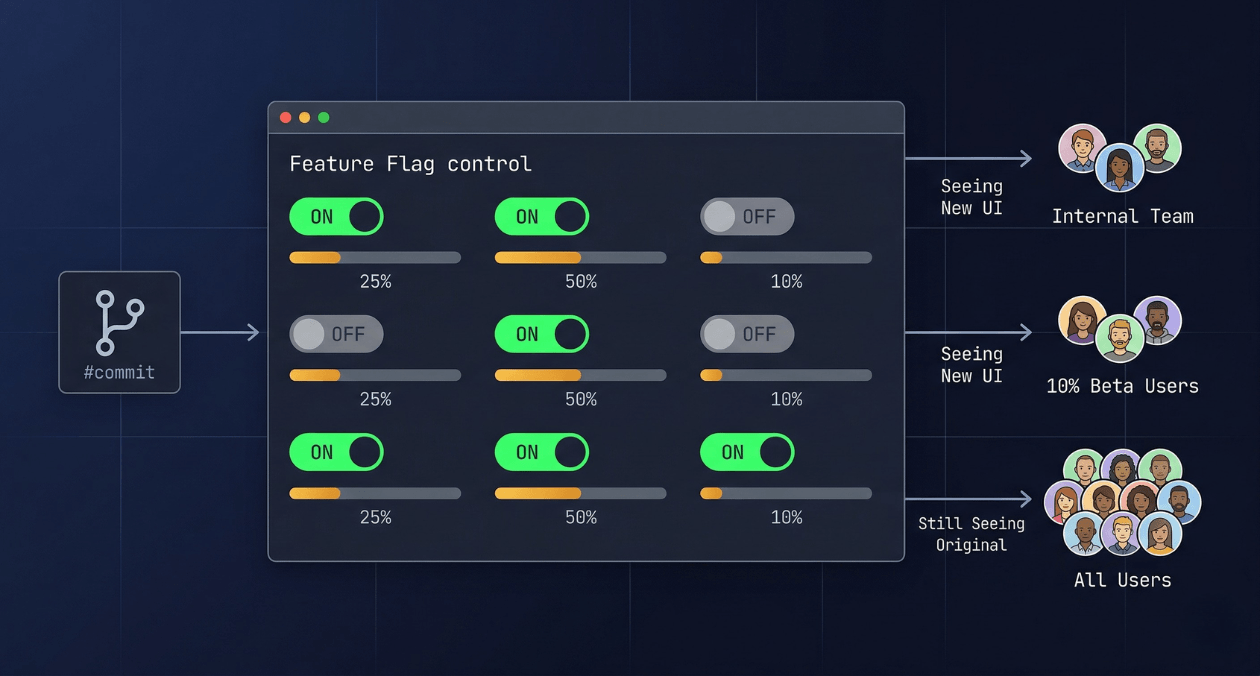
Feature Flags in Production: Progressive Delivery Without the Risk
The deploy button used to mean something definitive. You shipped code, users got the new version, and if something broke you scrambled to roll...
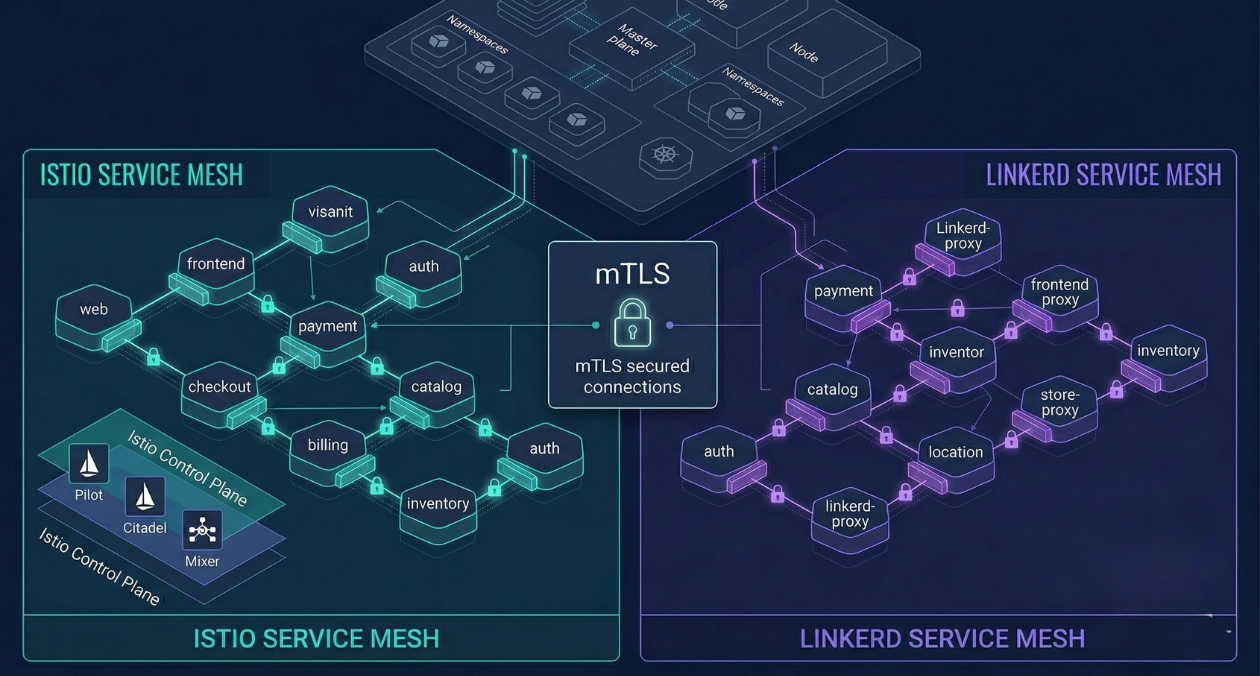
Service Mesh Architecture: When Istio and Linkerd Are Worth the Complexity
There is a specific moment in the growth of a microservices platform when the operational questions start arriving faster than the answers. How do...
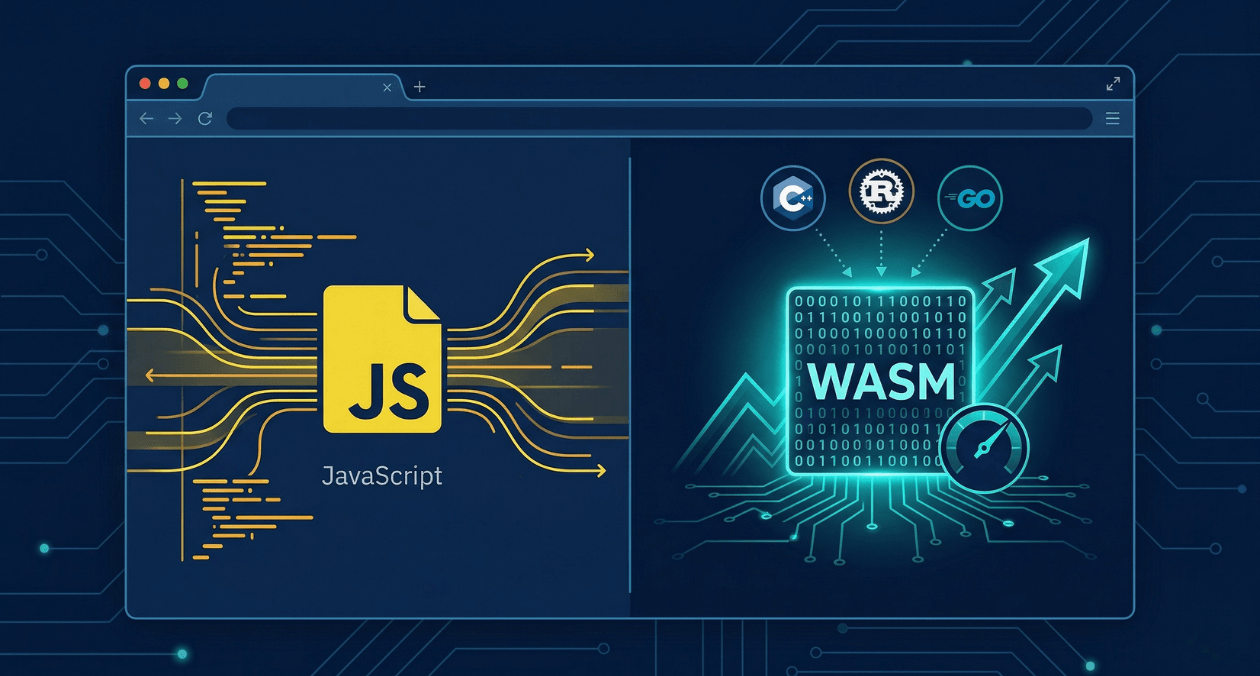
WebAssembly in 2026: Performance, Use Cases and When to Use It in Production
WebAssembly has been in the conversation for nearly a decade, but 2026 is the year more engineering teams are moving it from experimental to...